A dye penetrant test kit is a portable set for finding cracks and other defects that are open to the surface. Qualichem supplies the Aervoe Fault Finder Group I kit and the cleaner, penetrant, and developer as separate cans, for wholesale customers who need them in the workshop.
You can browse the products here without an account. Prices, and the ability to place an online order, are available after Qualichem approves a wholesale account. Qualichem then checks stock and shipping and confirms the order total with you.
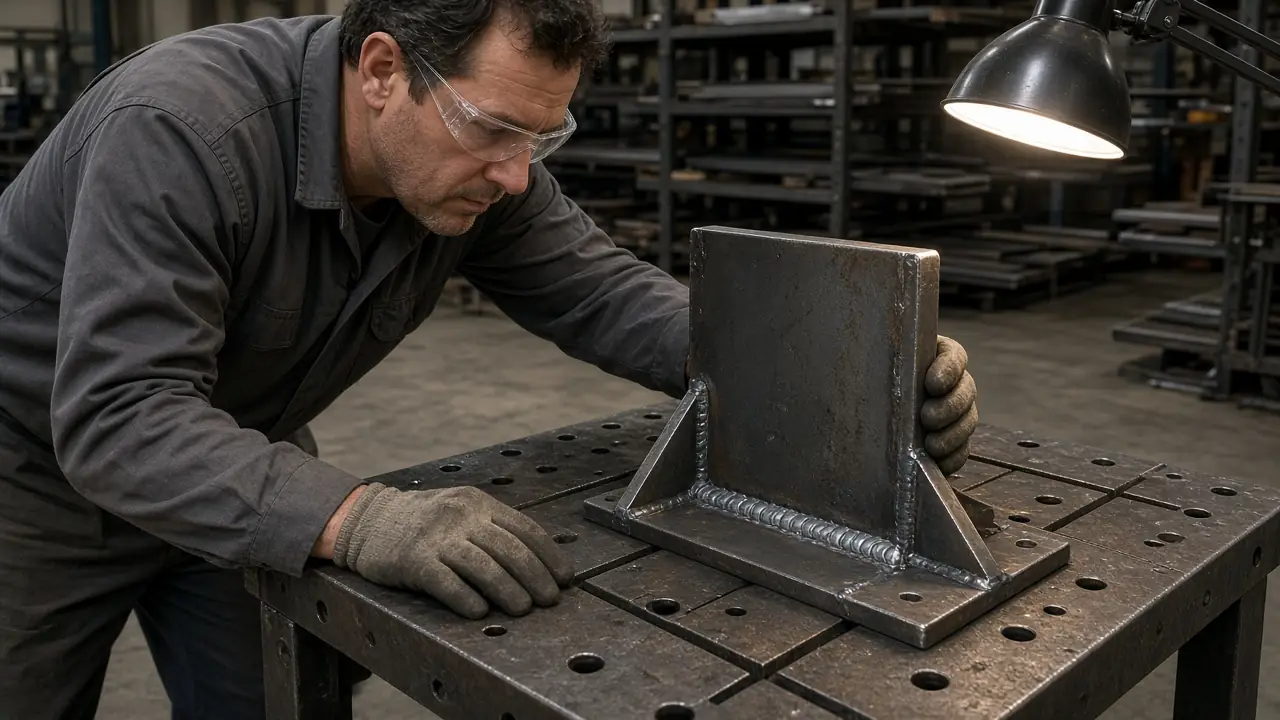
What a dye penetrant test kit is used for
Dye penetrant inspection, also called liquid penetrant testing, shows defects that break the surface of a suitable non-porous material. A liquid penetrant enters those openings. A developer then helps draw it back so the indication can be seen. The method does not show defects that are completely internal and closed off from the surface.
Aervoe sells Fault Finder for metals, glass, and plastic. The surface has to be sound for the test: non-porous, and clean enough for penetrant to enter an opening. Porous material can produce marks that are not defects. Welding, machining, casting, and repair shops use this kind of check before a part goes back into service.
This is a buying guide, not a test procedure. Follow the current instructions on the cans you receive, and the safety data sheet for each component. The Welding Institute’s overview of liquid penetrant testing explains the method in more detail.
Choosing the complete kit or replacement components
Order the Fault Finder Kit (SKU 1070) when the shop needs a matched Group I set. Order the individual cans when you are replacing the component you use up first.
| Product | SKU | What you are buying |
|---|---|---|
| Fault Finder Kit | 1070 | Complete Group I kit |
| Fault Finder Cleaner | 1071 | Replacement cleaner cans |
| Fault Finder Penetrant | 1072 | Replacement penetrant cans |
| Fault Finder Developer | 1073 | Replacement developer cans |
Aervoe publishes the Group I kit as four cans of cleaner (SKU 1071), two cans of penetrant (SKU 1072), and two cans of developer (SKU 1073). That is the manufacturer’s published mix, not a count taken from a photograph. Confirm the contents of the kit Qualichem supplies before you order. The manufacturer’s listing is the Fault Finder Kit Group I page.
Cleaner is the larger share of that published kit because the surface is cleaned on every test. Shops that inspect often usually reorder cleaner before the other two cans. Ask Qualichem if you want the full kit, a different mix, or replacement cans only.
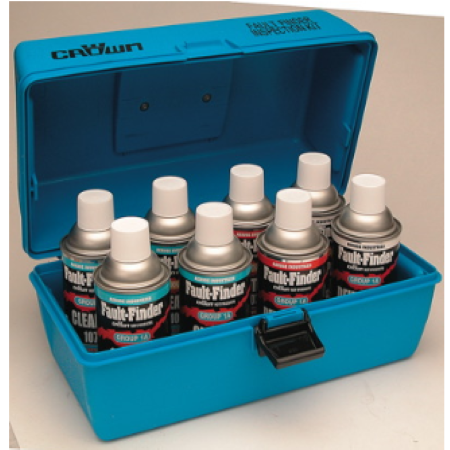
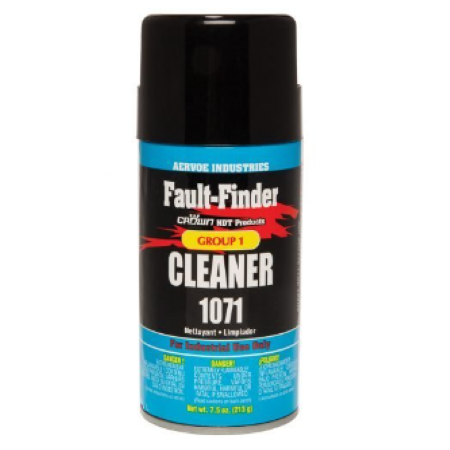
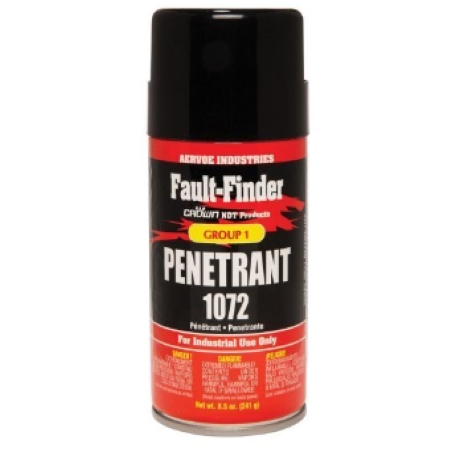
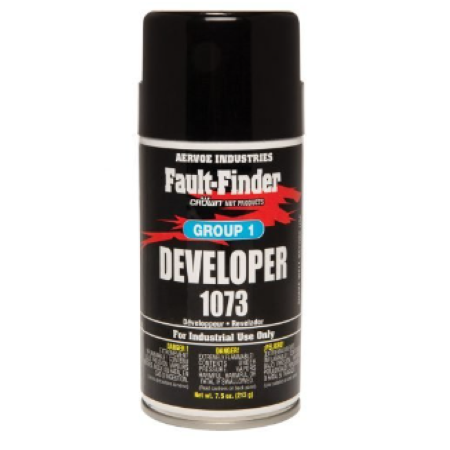
All four products are in the Fault Finder category.
What cleaner, penetrant and developer each do
Cleaner, SKU 1071
The Fault Finder Cleaner removes oil, grease, and other residue so penetrant can reach a defect that is open to the surface. Qualichem’s listing says to use it on metals, glass, and plastic before applying penetrant. Aervoe’s Group I cleaner contains no chlorine or sulfur-bearing solvents and was developed for testing where halogenated safety solvents are not permitted. Open the cleaner SDS.
Penetrant, SKU 1072
The Fault Finder Penetrant goes on the clean surface and enters openings that reach that surface. It does not travel into a defect sealed inside the part. The product listing says to use it on metals, glass, and plastic, and notes a 20-minute wait before developer. Treat that as the listing summary. The dwell time on the can you receive is the instruction to follow. Open the penetrant SDS.
Developer, SKU 1073
The Fault Finder Developer is applied after excess penetrant is removed. It draws penetrant back out of surface openings so an indication can be seen. It does not create an indication from a defect that never opened to the surface. The listing says to use it on metals, glass, and plastic to reveal material faults. Read that together with the surface limitation above. Open the developer SDS.
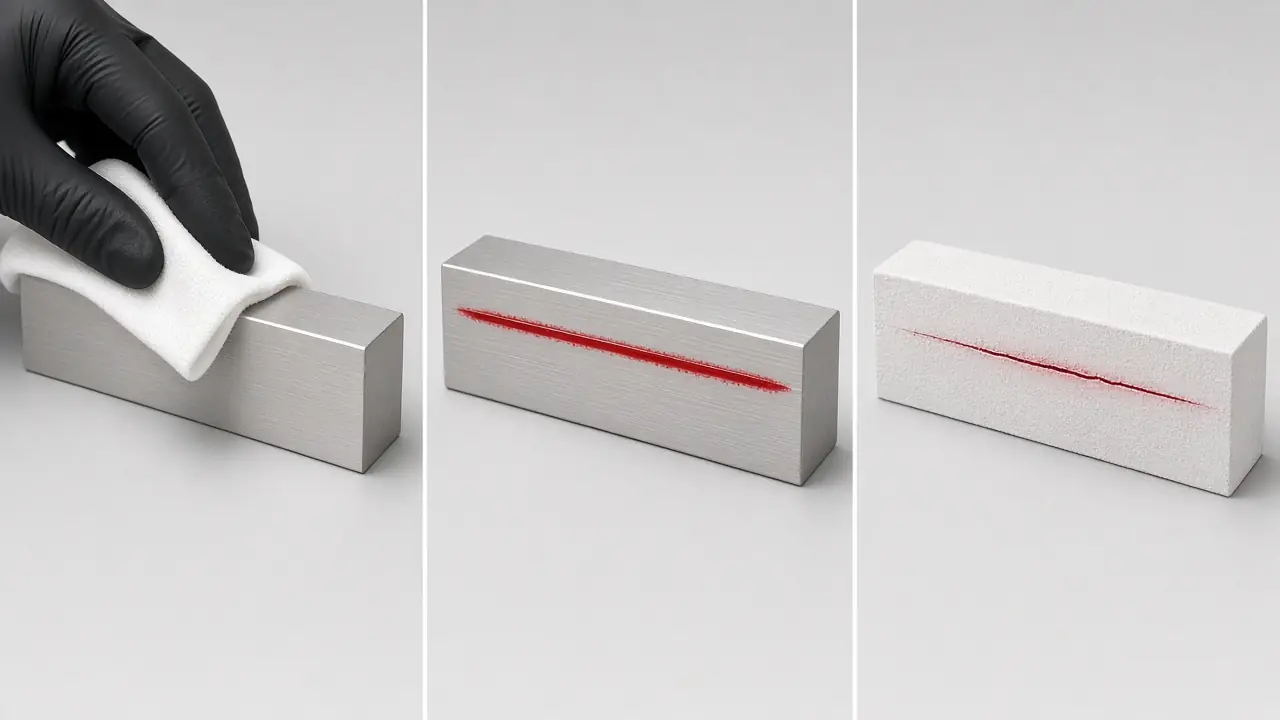
- Cleaner. Wipe oil and residue off the surface so penetrant can reach an opening.
- Penetrant. The red liquid enters defects that are open to the surface.
- Developer. A white coating draws that liquid back so a thin indication can be seen.
Aervoe describes a short sequence for the kit: apply cleaner, apply penetrant, wipe, apply developer, then inspect. Keep that as an overview only. Specification marks for these Group I products are printed on the cans and stated in each SDS and on the individual product pages. Use those documents when a specification has to be met. Do not treat this guide as the procedure.
Planning quantities for a workshop or repeat purchasing
The published kit — four cleaner, two penetrant, two developer — is a starting mix, not a consumption rate. One kit is a reasonable first order when you want that mix on the shelf. It is not a minimum, and it is not a forecast of how long the cans will last.
For repeat purchasing, order the SKU you are actually using up. Cleaner is the usual first reorder. Penetrant and developer follow on their own cycle. Order another kit only if you want the same published mix again. Qualichem does not publish a minimum order or a fixed reorder quantity on this page. Tell sales how often you inspect, which can runs out, and where the order has to be delivered in BC.
How to obtain wholesale pricing and place an order
Qualichem sells to approved wholesale accounts. Visitors can open the product pages. Prices and checkout are available after the account is approved.
- Apply for a wholesale account, or log in if you already have one. Qualichem emails you when a new account is approved.
- Add the kit or the replacement cans to the cart and check out.
- Qualichem checks stock and shipping, then confirms the order total with you.
Registration, tax, shipping, and payment are set out on the ordering page. For kit contents, a quantity, or delivery in BC, contact sales before you check out.
- Email sales@qualichem.ca
- Phone 604-420-7003
- Contact form
